Transitions
Transitions can be used to animate the change between two screens when using the set_screen command
Usage Example
transitions_test:
  set_screen default
  "normal set screen"
  set_screen map
  "set screen with fade"
  set_screen default 0 fade // fade is the name of the transition to use
  "set screen with duration"
  set_screen map 0 fade 2000 // Make transition last 2 seconds
  "set screen with duration and delay"
set_screen default 0 fade 2000 4000 // Make transition last 2 seconds and have the new screen be delayed by 4 secondsTIP
Note: Specifying the layer is necessary when using transitions.
Available transitions
Currently, there are two transitions available:
fade
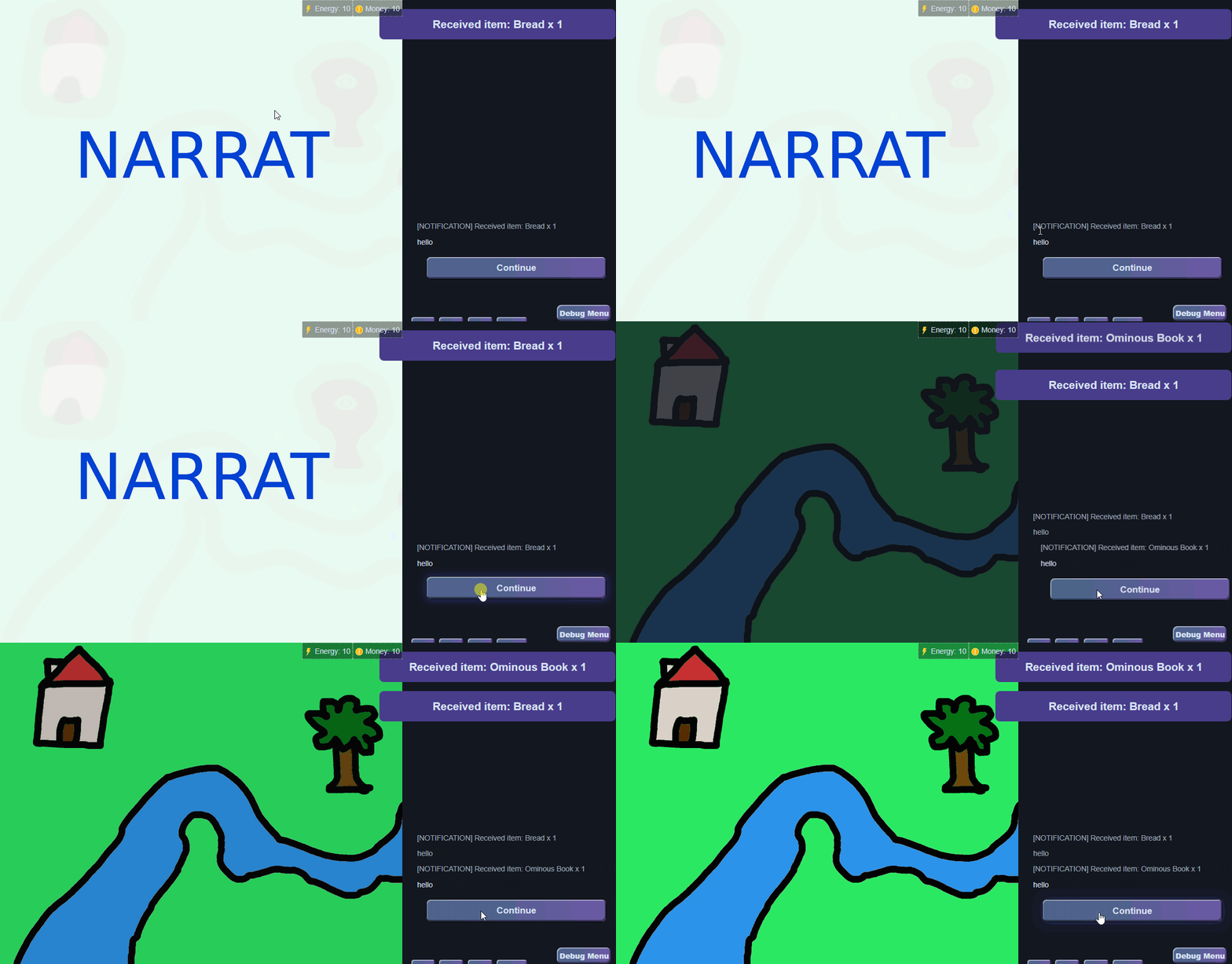
slide-right
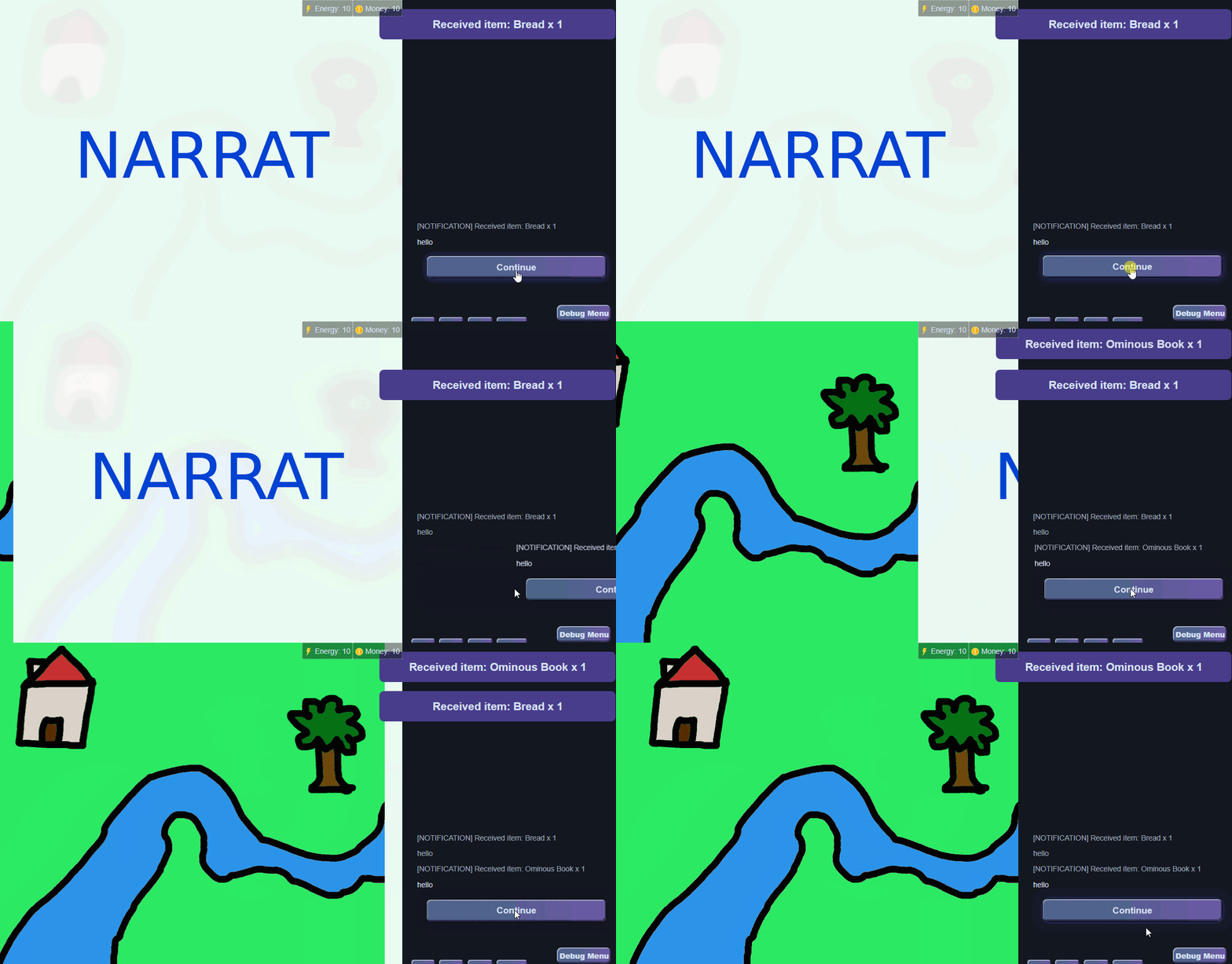
Creating custom transitions
It is possible to define custom transitions by creating css classes for them. For example, here are the CSS classes for the current transitions:
Fade transition
.narrat-transition-fade-enter-active,
.narrat-transition-fade-leave-active {
  transition-property: opacity;
  transition-timing-function: ease;
  transition-duration: 0.3s;
}

.narrat-transition-fade-enter-from,
.narrat-transition-fade-leave-to {
  opacity: 0;
}Slide-right transition
.narrat-transition-slide-right-enter-active,
.narrat-transition-slide-right-leave-active {
  transition-property: transform;
  transition-timing-function: ease;
  transition-duration: 0.3s;
}

.narrat-transition-slide-right-enter-from {
  transform: translateX(-100%);
}
.narrat-transition-slide-right-leave-to {
  transform: translateX(100%);
}New transitions can be created by copying those CSS classes (and changing the name like fade or slide-right in them) and adding them to the game's CSS, editing the values to whatever is desired.
Default transition durations config
Transitions can also have an optional config to change their default duration and delay. In config.yaml, for example:
transitions:
  slide-right:
    duration: 100
delay: 5000If no config is provided, the default duration is 0.5s, and the default delay is 0 (the old and new screens effectively transition at the same time).
The order of priority for choosing the duration or delay is: what's passed in the script --> If none, use the default for that command provided in the config --> if none, use the global default